Chocolatey For Automate Supercharges Software Management in ConnectWise Automate

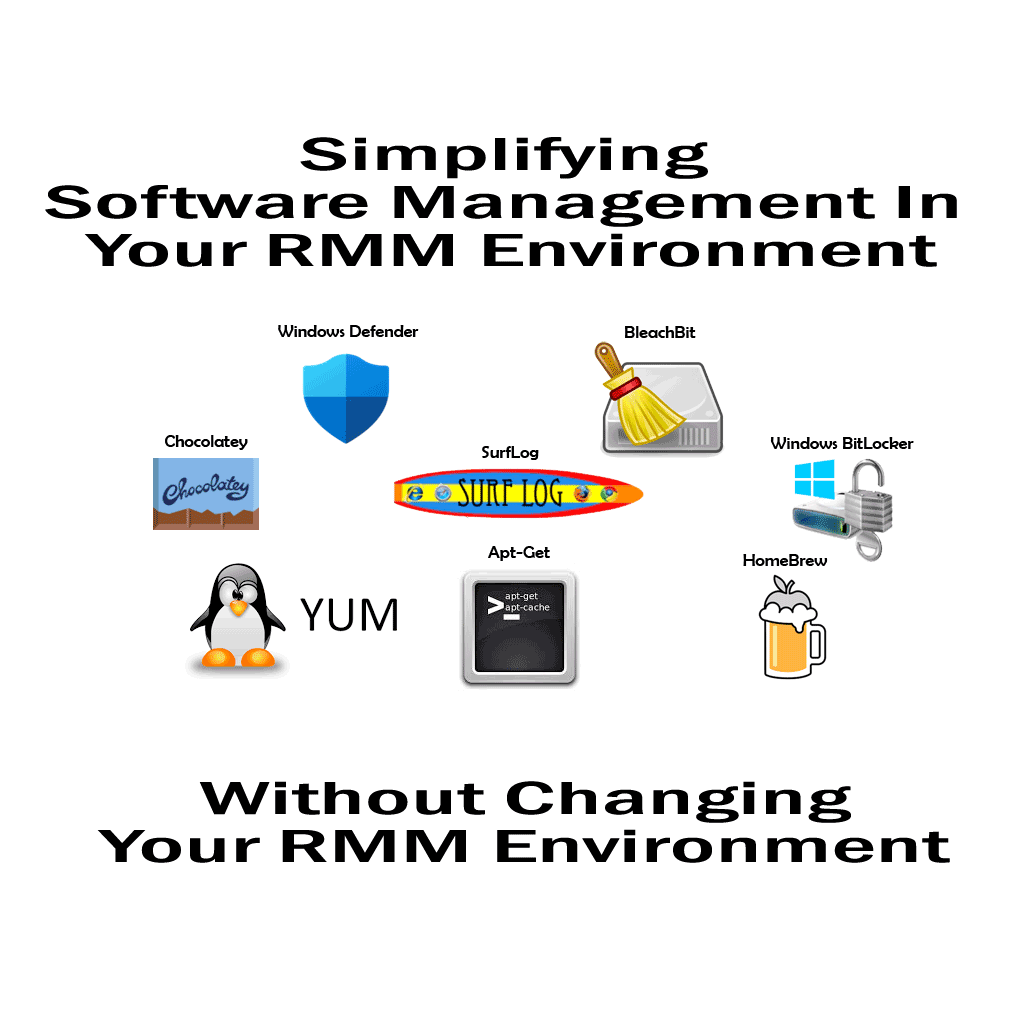
Chocolatey For Automate has been the crown jewel of this effort—bridging the gap between Chocolatey’s powerful package ecosystem and Automate’s robust RMM capabilities.


Managing software across thousands of endpoints can be a daunting task for any MSP. That’s why Plugins4Automate has developed a powerful solution: Chocolatey For Automate. This plugin integrates the Chocolatey package manager directly into ConnectWise Automate, transforming it into a full-scale software deployment and update engine. The Software Manager for ConnectWise Automate!

With Chocolatey For Automate, MSPs can:

  • Deploy and update thousands of software titles automatically
  • Use Automate Groups and Searches to target specific machines
  • Monitor install success, failure, and version status in real time
  • Manage custom and public packages with ease

The latest version improves automation logic and error handling, making it even more reliable for large-scale environments.

Read the full blog post here:
https://www.plugins4automate.com/blogs/blog/chocolatey-for-automate-transforms-connectwise-automate-into-a-powerful-software-management-engine-enabling-msps-to-deploy-update-and-maintain-thousands-of-software-titles-across-thousands-of-endpoints

RMMMax’s Deep Dive: How One MSP Engineer Built a Smarter RMM Platform

“Managing the Madness” is more than a blog post—it’s a blueprint for MSP engineers who are tired of duct-taping legacy tools and want to build something better.

The blog post “Managing the Madness: A Deep Dive into RMMMax” offers a compelling look into the origin story and technical philosophy behind RMMMax—a purpose-built remote monitoring and management platform created by Shannon, a seasoned MSP operations engineer and infrastructure developer. This isn’t just another tool in the crowded RMM space; it’s a reflection of real-world pain points and the relentless pursuit of scalable, secure, and maintainable solutions.


From Frustration to Innovation

The post opens with a candid admission: most RMM platforms are bloated, inflexible, and disconnected from the actual workflows of MSPs. Shannon, who’s spent years in the trenches supporting infrastructure and automating operations, decided to build something better. RMMMax was born out of necessity—not as a startup pitch, but as a pragmatic response to the chaos of managing client systems at scale.


Why It Matters

This isn’t just a technical showcase—it’s a manifesto for how MSP tools should be built. RMMMax prioritizes:

  • Transparency: Logs, metrics, and service states are exposed and actionable.
  • Security: TLS everywhere, and zero trust assumptions.
  • Maintainability: Every component is scriptable, restartable, and observable.
  • Scalability: Designed to grow with your client base, not fight against it.

Final Thoughts

Managing the Madness” is more than a blog post—it’s a blueprint for MSP engineers who are tired of duct-taping legacy tools and want to build something better. Shannon’s journey with RMMMax is a reminder that the best platforms come from lived experience, not venture capital decks.

If you’re an MSP, sysadmin, or infrastructure nerd, this post is worth your time. It’s not just about managing madness—it’s about reclaiming control.

Why package managers, like Chocolatey.org and Brew.sh are magic in a bottle for MSPs

You know, let me tell you something about these package managers, like Chocolatey.org and Brew.sh. They’re like the secret sauce of the MSP world, you know? They’re gonna take your business and give it that extra kick, that oomph, that makes it stand out from the rest.

Alright, check this out. With package managers, you’re not just installing software, you’re unleashing a whole new level of efficiency. We’re talking about automating software deployment and updates across your entire operation. It’s like magic, my friend. No more wasting time on manual installs, no sir. With Chocolatey.org and Brew.sh, it’s all about getting things done in a flash.

Now, here’s the kicker. These package managers aren’t just about speed, they’re about reliability too. They make sure your software is always up-to-date and running smoothly, without any of those pesky compatibility issues. And let’s not forget about security. With Chocolatey.org and Brew.sh, you’re getting top-notch, vetted software packages that keep your systems safe and sound.

But wait, there’s more! Enter Plugins4Automate’s Automate Package Manager. This bad boy ties Chocolatey.org and Brew.sh directly into ConnectWise Automate, your MSP’s bread and butter. It’s like having a direct line to software heaven, right there in your ConnectWise dashboard. With Plugins4Automate, you’re getting the ultimate power move – integrating the best package managers into your workflow seamlessly.

So, my friend, if you wanna take your MSP business to the next level, you gotta get on board with package managers and Plugins4Automate’s Automate Package Manager. Trust me, it’s gonna be a game-changer.

RMMmax’s Chocolatey Manager Tool made for RMM platforms!

Are you ready to take your software management to new heights? Look no further than RMMmax‘s Chocolatey Manager Tool, a cutting-edge Chocolatey Manager Tool designed with simplicity and efficiency in mind. Our tool harnesses the full capabilities of the popular Chocolatey framework, making software deployment and management a breeze.

Why RMMmax’s Chocolatey Manager Tool Is Better

Comprehensive Usage:
RMMmax’s Chocolatey Manager Tool allows you to fully utilize the robust features of the Chocolatey framework. Enjoy complete control over package creation, deployment, and upgrades, all from a single, intuitive interface. Say goodbye to manual installation processes and tedious updates – streamline your software management workflow with one tool!

Streamlined Deployment:
With RMMmax’s Chocolatey Manager Tool, deploying software packages becomes a seamless process. Effortlessly install applications across multiple devices with a few clicks, eliminating the need for time-consuming manual installations. Save valuable resources and focus on other critical tasks while our tool handles your software deployment needs.

Efficient Updates:
Stay up-to-date and secure with RMMmax’s Chocolatey Manager Tool’s automated update capabilities. Say goodbye to the hassle of individually updating software applications. Our tool ensures that all installed packages are regularly checked for updates, guaranteeing your systems are running efficiently and protected against potential vulnerabilities.

Simplified Package Creation:
Tailor software packages to your specific requirements with ease. RMMmax’s Chocolatey Manager Tool simplifies the creation of custom packages, allowing you to include specific configurations, dependencies, and scripts. Take full advantage of the flexibility of the Chocolatey framework and ensure seamless integration into your existing software ecosystem.

Time and Cost Savings:
By harnessing the comprehensive usage of the Chocolatey framework through our efficient tool, you’ll experience significant time and cost savings. Our tool integrates seamlessly into your workflow, minimizes manual effort, and eliminates the need for multiple software management tools. Maximize your productivity and focus on what really matters – propelling your business forward.

Don’t miss out on the opportunity to revolutionize your software management strategy! Visit our website at http://rmmmax.com/toolbox/rmmmax_chocolatey_manager_tool/ to learn more and unlock the true potential of the Chocolatey framework with RMMmax‘s Chocolatey Manager Tool. Experience comprehensive usage like never before!

ConnectWise Automate 3rd party Software Updater – App Genie

Plugins4Aautomate.com‘s App Genie automates the entire process for pre-installed application management. It will seek out enabled agents and reviews their installed software. If it finds a matching software is will setup the association and start updating the software as newer packages are available. MSP can, in minutes, have thousands of agents managing the updates of hundreds of software titles. That’s it nothing to deploy! Nothing to configure! No files to mess with, install it and it just works.
Want to check it out?

CCleaner for Automate goes to ITNation Explore 2019

IT Nation Explore 2019, Hilton Orlando Bonnet Creek


Visit us at the

CCleaner booth #115!


We’ll be there to talk about how effective proactive cleaning for MSPs can be.

? Save your technicians time

? Reduce support costs

? Boost end user productivity

? Improve compliance

… and more!

We hope you can join us forshow discounts, special peer-group pricing, free trials and the obligatory CCleaner freebies!

Not attending?

Reach out out to David at CCleaner for more information about the plugin and special MSP pricing.

Thanks,

Shannon

Get the plugin for free here

GetGet the plugin for Free here

Plugins4Automate releases CCleaner For Automate


Plugins4Automate resently released a new version of their amazing plugin CCleaner For Labtech. This new version takes advantage of the new UI in ConnectWise Automate 12 and so is now called CCleaner for Automate.


Let’s have a look at some of the new charts and graphs Plugins4Automate has put together.


Surflog for ConnectWise Automate Adds New Charting with DevExpress.

Plugins4Automate has updated SurfLog Browser Metrics Plugin for ConnectWise Automate today bringing in new charts and graphs that use the DevExpress libraries. This allows the plugin to work as designed in the new Automate 12 versions. We look forward to seeing all the other integrations Plugins4Automate has available using these new UI libraries.

See their post at Blog Post Announcement


Have a look at their new look!

Try Office365 For ConnectWise Automate For 1 Month Free

Office365 for ConnectWise Automate

The team over at Plugins4Automate is offering a great value to try out their new Office365 for ConnectWise Automate plugin. Get the first month free and have a go at this great plugin. Here is just a few of the neat things you can mange.

Azure Active Directory

Need to add a new user, re-enable a user after lockout or just manage a password change, you can perform quick tasks in Office365 directly from your Labtech consoles.

MSOL Exchange

Need to add a forwarding address or maybe convert a users mailbox to shared, set a users Out Of Office replies or view their current mailbox stats, with our Exchange integration you have access to Exchange online with just a few clicks inside of LabTech

Sharepoint Cloud

Create new sites or manage users and groups for existing sites quickly and easily inside of LabTech.


For more information about this plugin and how to get started visit:

Get Office 365 For Free