RMMmax Introduces MCP — The New AI Automation Core for Modern MSPs

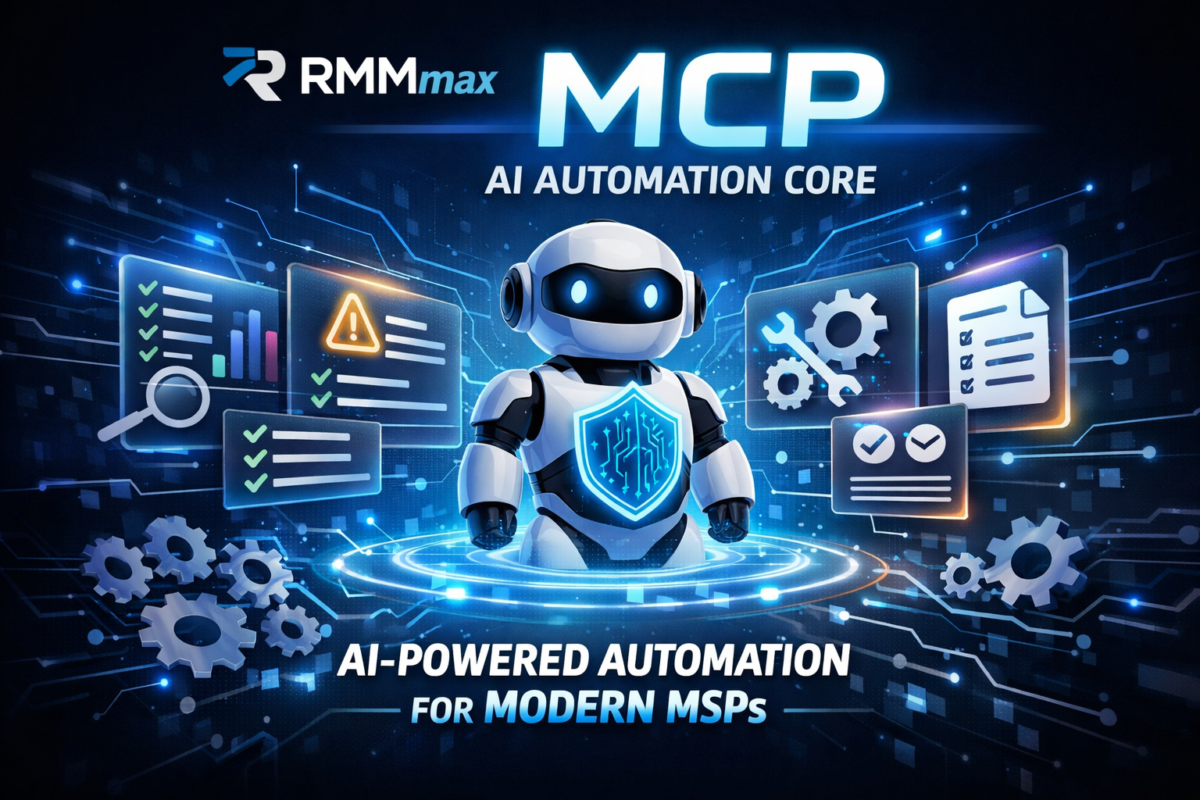
We’re excited to announce the MCP (Managed Companion Platform) — a fully integrated AI automation layer that gives your RMM environment 47 powerful, context‑aware functions for analysis, remediation, scripting, reporting, and system repair.

This is the moment AI becomes operational inside your RMM, not just theoretical.

The future of MSP automation just arrived inside RMMmax.

We’re excited to announce the MCP (Managed Companion Platform) — a fully integrated AI automation layer that gives your RMM environment 47 powerful, context‑aware functions for analysis, remediation, scripting, reporting, and system repair.

This is the moment AI becomes operational inside your RMM, not just theoretical.

🔧 What MCP Brings to Your RMM

The MCP transforms your environment into an AI‑ready automation engine that can:

  • Analyze endpoints, configurations, logs, and performance
  • Review system health and compliance across tenants
  • Report on issues, trends, vulnerabilities, and fleet‑wide insights
  • Create scripts tailored to your environment
  • Execute scripts safely through your RMM or the RMMmax Agent Service
  • Repair systems using automated, AI‑generated workflows
  • Document everything with clean, human‑readable summaries

All of this happens inside your existing RMM, using your existing agents, with zero backend exposure.

🔐 Security Built for MSP Reality

AI access is controlled through:

  • Team‑scoped secure tokens
  • Strict tenant isolation
  • Environment‑bound authentication
  • Full auditability of every action

Your RMM stays protected. AI gets only what it needs — nothing more.

⚙️ No Extra Setup. No Extra Licensing.

The MCP deploys automatically as part of RMMmax 2.0. If you’re running RMMmax, you already have it.

If you’re new, you can start with 25 free agents and experience the MCP firsthand.

🌐 Why This Changes Everything

For the first time, MSPs can let AI:

  • Investigate issues
  • Build scripts
  • Execute remediations
  • Validate results
  • Document the fix

…all without giving AI direct access to the RMM backend.

This is the new automation standard for MSPs — faster, safer, smarter, and built for real‑world operations.

Happy New Year from Plugins4Automate

The past year was one of transformation. MSPs continued to navigate evolving security demands, increasingly complex software ecosystems, and the ongoing need to automate more with fewer resources. At Plugins4Automate, our mission remained the same: make ConnectWise Automate more powerful, more efficient, and easier to manage at scale.

Reflecting on 2025 and Embracing the Road Ahead in 2026

As we welcome a brand‑new year, the Plugins4Automate team is taking a moment to reflect on the milestones, challenges, and growth that defined 2025 — and to share a glimpse of what’s coming in 2026 for the ConnectWise Automate community.

The past year was one of transformation. MSPs continued to navigate evolving security demands, increasingly complex software ecosystems, and the ongoing need to automate more with fewer resources. At Plugins4Automate, our mission remained the same: make ConnectWise Automate more powerful, more efficient, and easier to manage at scale.


Highlights From 2025

Strengthening the Plugin Ecosystem

Throughout 2025, we delivered updates across our plugin lineup — improving performance, stability, and visibility for partners managing thousands of endpoints. From monitoring enhancements to workflow improvements, each release was shaped by real MSP feedback.

Expanding Documentation & Support

We invested heavily in clearer documentation, better onboarding resources, and more accessible support. Our goal has always been to help MSPs get value faster, and this year we made major strides in that direction.

Community Engagement & Growth

2025 saw a surge in community involvement. More MSPs than ever joined our discussions, shared insights, and helped shape the direction of our tools. Your feedback continues to be the backbone of our development roadmap.


Looking Ahead to 2026

The new year brings new opportunities — and we’re already deep into several initiatives designed to help MSPs automate smarter and operate with greater confidence.

More Automation‑First Enhancements

Expect deeper integrations, more intelligent workflows, and expanded capabilities that reduce manual effort and increase operational consistency.

Enhanced Monitoring & Visibility

We’re building on the foundation laid in 2025 to deliver even more robust monitoring tools, giving MSPs clearer insight into system health, performance, and endpoint behavior.

A Continued Commitment to MSP Success

Our focus remains on delivering tools that solve real‑world problems. Whether you manage hundreds or thousands of endpoints, Plugins4Automate will continue to evolve alongside your needs.


Thank You for an Incredible Year

To all our partners, customers, and community members — thank you for your trust, your feedback, and your collaboration throughout 2025. We’re excited for what’s ahead and honored to support your success in 2026.

Visit their blog at: https://www.plugins4automate.com/blogs/blog/happy-new-year-from-plugins4automate-reflecting-on-2025-and-embracing-2026

Here’s to another year of innovation, automation, and growth.
Happy New Year from the entire Plugins4Automate family!

Chocolatey For Automate Supercharges Software Management in ConnectWise Automate

Chocolatey For Automate has been the crown jewel of this effort—bridging the gap between Chocolatey’s powerful package ecosystem and Automate’s robust RMM capabilities.


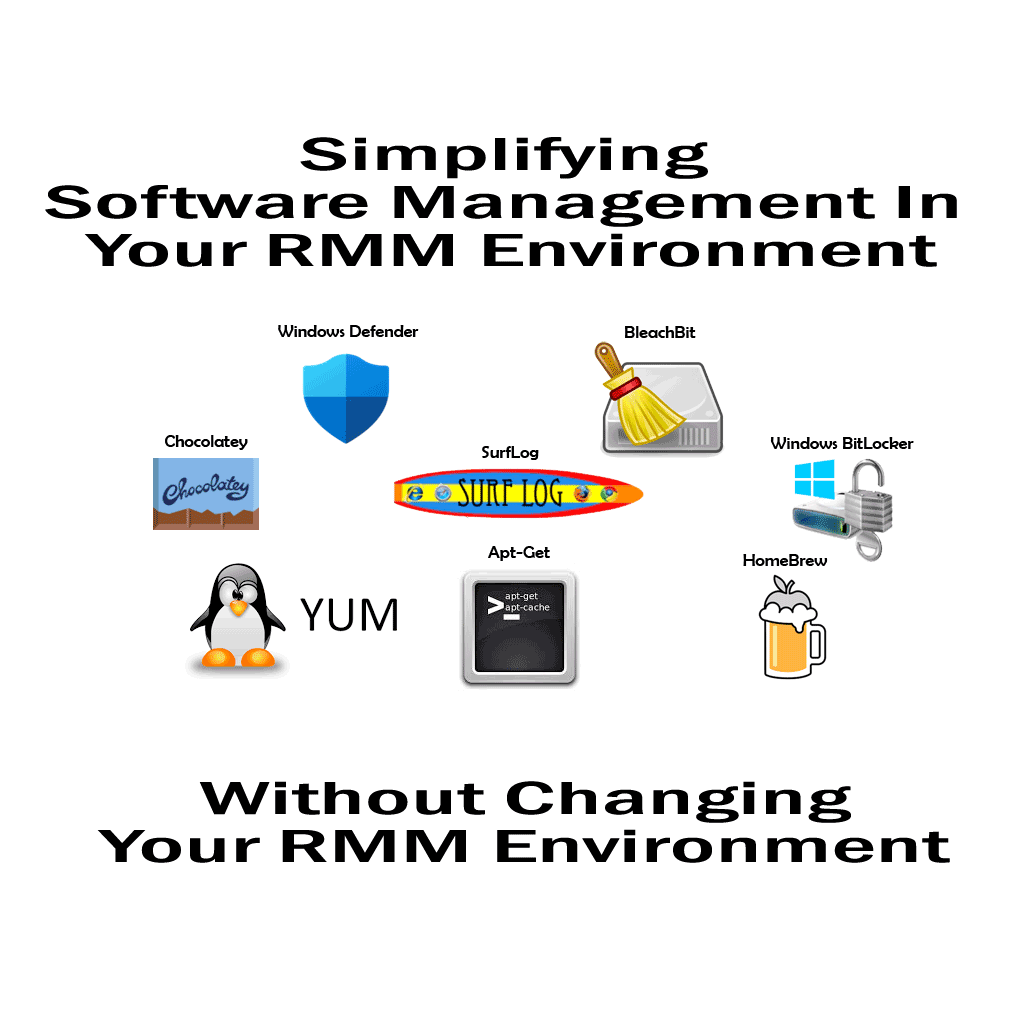
Managing software across thousands of endpoints can be a daunting task for any MSP. That’s why Plugins4Automate has developed a powerful solution: Chocolatey For Automate. This plugin integrates the Chocolatey package manager directly into ConnectWise Automate, transforming it into a full-scale software deployment and update engine. The Software Manager for ConnectWise Automate!

With Chocolatey For Automate, MSPs can:

  • Deploy and update thousands of software titles automatically
  • Use Automate Groups and Searches to target specific machines
  • Monitor install success, failure, and version status in real time
  • Manage custom and public packages with ease

The latest version improves automation logic and error handling, making it even more reliable for large-scale environments.

Read the full blog post here:
https://www.plugins4automate.com/blogs/blog/chocolatey-for-automate-transforms-connectwise-automate-into-a-powerful-software-management-engine-enabling-msps-to-deploy-update-and-maintain-thousands-of-software-titles-across-thousands-of-endpoints


RMMMax’s Deep Dive: How One MSP Engineer Built a Smarter RMM Platform

“Managing the Madness” is more than a blog post—it’s a blueprint for MSP engineers who are tired of duct-taping legacy tools and want to build something better.

The blog post “Managing the Madness: A Deep Dive into RMMMax” offers a compelling look into the origin story and technical philosophy behind RMMMax—a purpose-built remote monitoring and management platform created by Shannon, a seasoned MSP operations engineer and infrastructure developer. This isn’t just another tool in the crowded RMM space; it’s a reflection of real-world pain points and the relentless pursuit of scalable, secure, and maintainable solutions.


From Frustration to Innovation

The post opens with a candid admission: most RMM platforms are bloated, inflexible, and disconnected from the actual workflows of MSPs. Shannon, who’s spent years in the trenches supporting infrastructure and automating operations, decided to build something better. RMMMax was born out of necessity—not as a startup pitch, but as a pragmatic response to the chaos of managing client systems at scale.


Why It Matters

This isn’t just a technical showcase—it’s a manifesto for how MSP tools should be built. RMMMax prioritizes:

  • Transparency: Logs, metrics, and service states are exposed and actionable.
  • Security: TLS everywhere, and zero trust assumptions.
  • Maintainability: Every component is scriptable, restartable, and observable.
  • Scalability: Designed to grow with your client base, not fight against it.

Final Thoughts

Managing the Madness” is more than a blog post—it’s a blueprint for MSP engineers who are tired of duct-taping legacy tools and want to build something better. Shannon’s journey with RMMMax is a reminder that the best platforms come from lived experience, not venture capital decks.

If you’re an MSP, sysadmin, or infrastructure nerd, this post is worth your time. It’s not just about managing madness—it’s about reclaiming control.

Habitat for ConnectWise Automate Enhances MSP Security with FileHog 1.0.6 Integration

Habitat for ConnectWise Automate, a subscription-based platform with unlimited agents, includes over 30 tools like Chocolatey For Automate, Windows Defender Management, and VMware ESX Hardware Health Monitor. The addition of FileHog 1.0.6 enhances Habitat’s security capabilities, enabling MSPs to proactively manage file-related risks while optimizing storage usage.

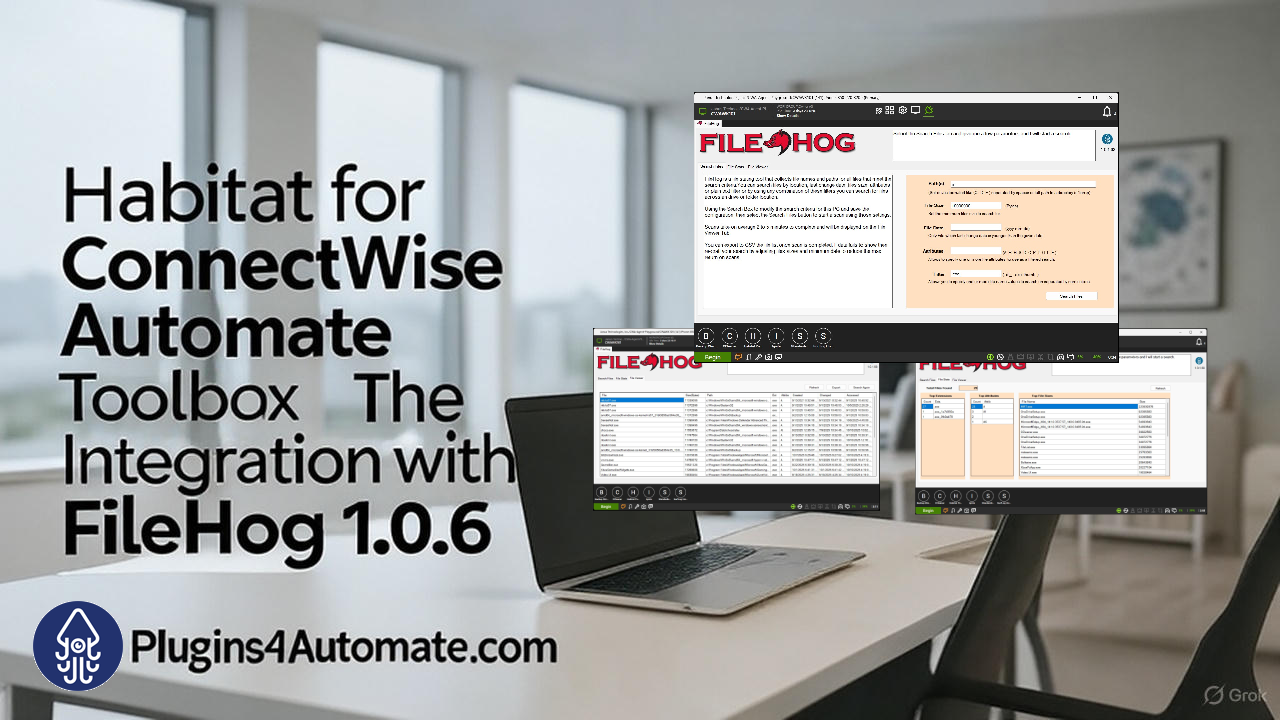
Managed Service Providers (MSPs) using ConnectWise Automate now have a powerful ally in their fight against security risks and file storage abuse. Habitat, a robust suite of over 30 tools designed to optimize RMM workflows, has integrated FileHog 1.0.6, a cutting-edge storage analyzer plugin available at Plugins4Automate.com. This integration empowers MSPs to detect sensitive data, mitigate storage misuse, and strengthen client environment security with unmatched precision.

FileHog 1.0.6: Fortifying Security Through Advanced File Discovery

FileHog 1.0.6 is a game-changer for MSPs tasked with safeguarding client data and managing storage sprawl. This plugin delivers deep visibility into file systems, enabling rapid identification of sensitive files, oversized data hogs, and potential compliance violations across endpoints. Here’s how FileHog bolsters security and tackles storage abuse:

  • Targeted Agent-Level Scanning: The new Agent Tab allows MSPs to perform focused scans on specific Windows machines, ideal for investigating potential security breaches or auditing devices suspected of storing unauthorized data.
  • Advanced Search Filters: Create precise search profiles using filters for file size, type, attributes, keywords, and last modified dates. Easily locate sensitive files—like documents containing “Confidential” or “SSN”—or oversized media files clogging storage, reducing exposure to risks.
  • Optimized FileList.exe Integration: Leveraging the lightweight FileList.exe utility, FileHog 1.0.6 ensures fast, reliable scans, even on large file systems, with results displayed in an intuitive File Viewer Tab for quick analysis.
  • Client-Wide Security Audits: Scan all endpoints under a client account with unified criteria, perfect for detecting unencrypted sensitive files or bloated directories that could signal data misuse or ransomware risks.
  • Exportable Audit Reports: Export scan results to Excel for detailed security reports or compliance documentation, simplifying regulatory adherence and client communication.

Available for free at Plugins4Automate.com, FileHog 1.0.6 seamlessly integrates with Habitat to deliver scalable security and storage management solutions for MSPs.

Habitat: A Security-First MSP Toolbox

Habitat for ConnectWise Automate, a subscription-based platform with unlimited agents, includes over 30 tools like Chocolatey For Automate, Windows Defender Management, and VMware ESX Hardware Health Monitor. The addition of FileHog 1.0.6 enhances Habitat’s security capabilities, enabling MSPs to proactively manage file-related risks while optimizing storage usage.

With automatic monthly updates, Habitat evolves to meet MSPs’ security needs. The Habitat Control Center serves as a centralized hub for launching tools, while the Quick Metrics Dashboard provides insights into agent health and ticketing, helping MSPs monitor and secure client environments efficiently.

Why This Matters for MSPs

FileHog 1.0.6 within Habitat equips MSPs to address critical security and storage challenges without relying on fragmented tools. From identifying sensitive data that could lead to breaches to curbing storage abuse that inflates costs or hides malicious activity, this integration ensures robust protection and compliance. Habitat’s unlimited agent support allows MSPs to scale these capabilities across any client environment, delivering secure, optimized operations without per-endpoint costs.

Get Started Today

Ready to strengthen your ConnectWise Automate setup? Explore Habitat and FileHog 1.0.6 at Plugins4Automate.com to enhance your security posture and tackle storage abuse. Have questions or need support? Visit the Plugins4Automate support forums to engage with the community and developers.

With Habitat and FileHog, MSPs can secure client environments and manage storage smarter and faster. Start fortifying your file audits today!

#MSP #ConnectWiseAutomate #Habitat #FileHog #ITSecurity #StorageManagement

Total File Visibility: How MSPs Can Master Client-Wide File Searches Across Their RMM Platform

In the world of Managed Service Providers (MSPs), visibility is power—and when it comes to managing file systems across dozens or hundreds of endpoints, that power is amplified by precision tools like FileHog. These tools don’t just scan for files—they give engineers and technicians the ability to audit, verify, and troubleshoot with surgical accuracy across their entire client base.

Whether you’re supporting embedded systems, network infrastructure, or software development teams, the ability to perform client-wide file searches from your RMM platform is a game-changer.


Why File-Level Search Matters for MSPs

Traditional RMM platforms offer device monitoring, patching, and remote control—but when it comes to file-level intelligence, many fall short. FileHog bridges that gap by integrating with ConnectWise Automate to perform fast, filtered scans across endpoints. This gives MSPs and engineers the ability to:

  • Search by file name, type, size, date, and attributes
  • Export results for reporting, auditing, or compliance
  • Run scans across individual agents or entire client groups

Use Case 1: Data Migration & Backup Verification

During system migrations or backup operations—especially in embedded or network engineering—ensuring file integrity and completeness is critical. FileHog allows engineers to:

  • List files with timestamps, sizes, and attributes
  • Use filters like /MINDATE 2025-01-01 to target recent files
  • Apply /ATTRIBUTEFILTER READONLY to isolate protected data

This ensures that no critical files are missed or altered during transfer, and gives technicians a clear audit trail for verification.


Use Case 2: Forensic & Security Audits

In cybersecurity-focused environments, engineers need to detect unauthorized changes or suspicious file activity. FileHog enables:

  • Enumeration of files by owner, access patterns, or attributes
  • Lightweight scanning without the overhead of PowerShell’s Get-ChildItem
  • Rapid identification of anomalies across multiple machines

This is especially useful for compliance audits, breach investigations, or validating endpoint hardening.


Use Case 3: Project Documentation & Asset Management

Software engineers, game developers, and creative teams often need to catalog source code, assets, and binaries across sprawling directories. FileHog makes this easy:

  • Export full directory trees to CSV
  • List all .cpp, .png, .json, or .exe files with size and last-modified date
  • Track changes for version control, team handoffs, or compliance

This helps teams maintain clean documentation and ensures that no critical asset is lost in the shuffle.


Use Case 4: Debugging & Troubleshooting

When diagnosing disk space issues, file corruption, or deployment failures, engineers need fast answers. FileHog supports:

  • Filters for file size (e.g., >1GB) or modification date
  • MD5 checksum verification to detect file integrity issues
  • Scans that complete in minutes—even on large drives

This is especially valuable in CI/CD pipelines, where build artifacts and logs can balloon unexpectedly.


The MSP Advantage

By integrating file-level search into your RMM workflow, you give your techs and engineers the ability to:

  • Respond faster to client issues
  • Perform proactive audits and cleanups
  • Deliver more accurate reporting and documentation
  • Reduce reliance on manual scripting or third-party tools

In short, you gain control, clarity, and confidence—all from a single pane of glass.

Have a look at Plugins4Automate’s latest FileHog plugin release.
FileHog 1.0.6 is here!


Ready to take your file visibility to the next level? Try FileHog and experience the difference: Explore FileHog on Plugins4Automate

Habitat Gets a Power Boost: Chocolatey Integration, Defender Management & ESX Health Monitoring

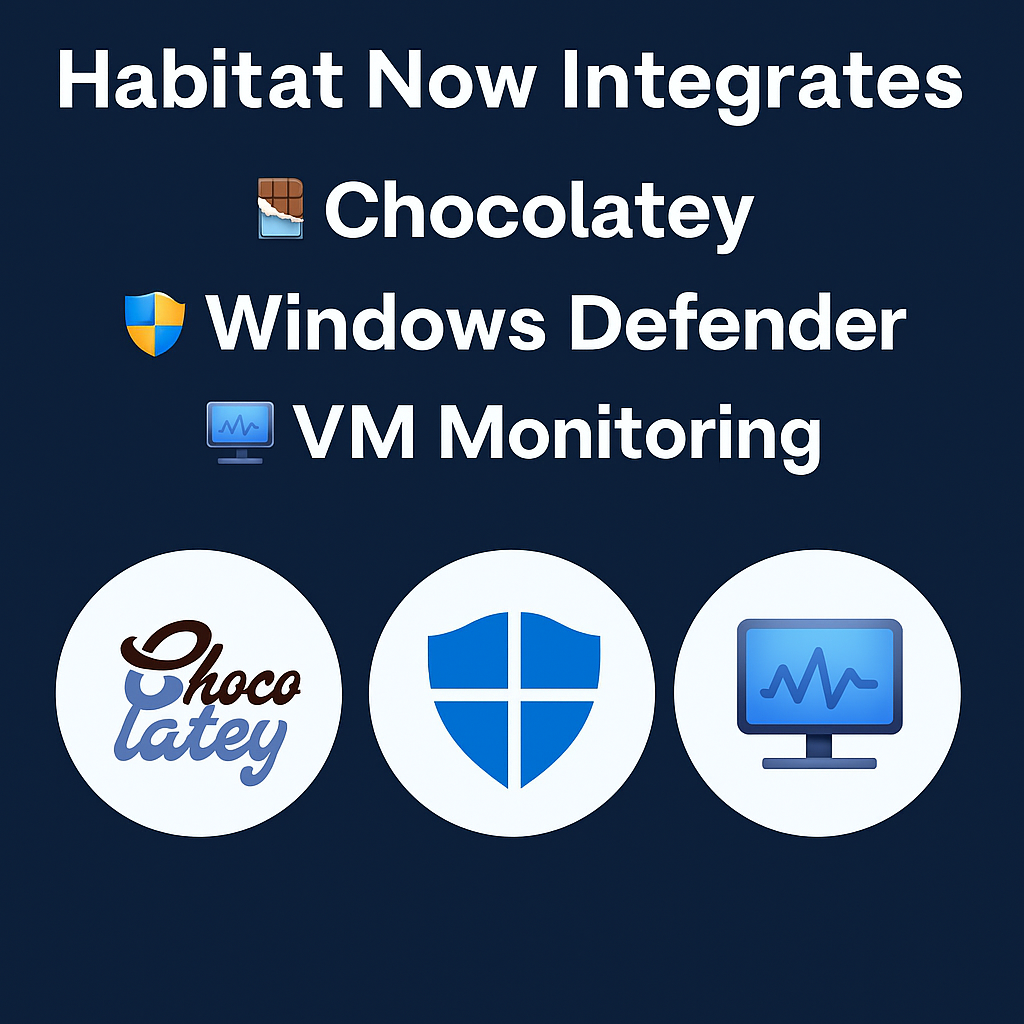
We’re thrilled to announce the latest evolution of Habitat for ConnectWise Automate: the seamless integration of three powerhouse tools—Chocolatey For Automate 3.7, Windows Defender Management Tool, and VMware ESX Hardware Health Monitor. These aren’t just add-ons; they’re now baked right into your Habitat subscription, ready to supercharge your RMM workflows for unlimited agents. No per-agent fees, no limits—just pure, scalable efficiency

Plugins4Automate has just dropped a major update to their Habitat plugin—and it’s a game-changer for MSPs and IT pros using ConnectWise Automate. The latest release introduces Chocolatey integration, Windows Defender management, and VMware ESX health monitoring, all bundled with unlimited agent support.

Chocolatey Integration: Automate Software Deployment Like a Pro

Chocolatey, the popular Windows package manager, is now baked into Habitat. This means you can:

  • Deploy and update software across endpoints with ease
  • Tap into Chocolatey’s vast repository of packages
  • Automate app installs during onboarding or remediation workflows

No more manual installs or clunky scripts—Habitat now handles it all natively.

Windows Defender Management: Security at Scale

Habitat’s new Defender module gives you centralized control over Windows Defender settings across your fleet. You can:

  • Enable/disable Defender
  • Configure scan schedules
  • Monitor protection status and threat history

This is a huge win for MSPs looking to enforce consistent endpoint security policies without jumping through hoops.

VMware ESX Health Monitoring: Keep Your Hosts Happy

The update also introduces ESX host health checks, allowing you to:

  • Monitor CPU, memory, and disk usage
  • Track uptime and performance metrics
  • Get alerts for degraded or offline hosts

Whether you’re managing a few ESX servers or an entire virtual infrastructure, Habitat now gives you the visibility you need.

Unlimited Agents Included

Best of all, this update includes unlimited agent support—no per-agent fees or licensing headaches. Just install and scale.


Why This Matters

Habitat continues to evolve into a must-have automation toolkit for ConnectWise Automate users. With Chocolatey, Defender, and ESX support now in the mix, it’s easier than ever to streamline software deployment, enforce security, and monitor infrastructure—all from one plugin.

Ready to upgrade your automation game? Check out the full announcement on Plugins4Automate.

Why package managers, like Chocolatey.org and Brew.sh are magic in a bottle for MSPs

You know, let me tell you something about these package managers, like Chocolatey.org and Brew.sh. They’re like the secret sauce of the MSP world, you know? They’re gonna take your business and give it that extra kick, that oomph, that makes it stand out from the rest.

Alright, check this out. With package managers, you’re not just installing software, you’re unleashing a whole new level of efficiency. We’re talking about automating software deployment and updates across your entire operation. It’s like magic, my friend. No more wasting time on manual installs, no sir. With Chocolatey.org and Brew.sh, it’s all about getting things done in a flash.

Now, here’s the kicker. These package managers aren’t just about speed, they’re about reliability too. They make sure your software is always up-to-date and running smoothly, without any of those pesky compatibility issues. And let’s not forget about security. With Chocolatey.org and Brew.sh, you’re getting top-notch, vetted software packages that keep your systems safe and sound.

But wait, there’s more! Enter Plugins4Automate’s Automate Package Manager. This bad boy ties Chocolatey.org and Brew.sh directly into ConnectWise Automate, your MSP’s bread and butter. It’s like having a direct line to software heaven, right there in your ConnectWise dashboard. With Plugins4Automate, you’re getting the ultimate power move – integrating the best package managers into your workflow seamlessly.

So, my friend, if you wanna take your MSP business to the next level, you gotta get on board with package managers and Plugins4Automate’s Automate Package Manager. Trust me, it’s gonna be a game-changer.

RMMmax’s Chocolatey Manager Tool made for RMM platforms!

Are you ready to take your software management to new heights? Look no further than RMMmax‘s Chocolatey Manager Tool, a cutting-edge Chocolatey Manager Tool designed with simplicity and efficiency in mind. Our tool harnesses the full capabilities of the popular Chocolatey framework, making software deployment and management a breeze.

Why RMMmax’s Chocolatey Manager Tool Is Better

Comprehensive Usage:
RMMmax’s Chocolatey Manager Tool allows you to fully utilize the robust features of the Chocolatey framework. Enjoy complete control over package creation, deployment, and upgrades, all from a single, intuitive interface. Say goodbye to manual installation processes and tedious updates – streamline your software management workflow with one tool!

Streamlined Deployment:
With RMMmax’s Chocolatey Manager Tool, deploying software packages becomes a seamless process. Effortlessly install applications across multiple devices with a few clicks, eliminating the need for time-consuming manual installations. Save valuable resources and focus on other critical tasks while our tool handles your software deployment needs.

Efficient Updates:
Stay up-to-date and secure with RMMmax’s Chocolatey Manager Tool’s automated update capabilities. Say goodbye to the hassle of individually updating software applications. Our tool ensures that all installed packages are regularly checked for updates, guaranteeing your systems are running efficiently and protected against potential vulnerabilities.

Simplified Package Creation:
Tailor software packages to your specific requirements with ease. RMMmax’s Chocolatey Manager Tool simplifies the creation of custom packages, allowing you to include specific configurations, dependencies, and scripts. Take full advantage of the flexibility of the Chocolatey framework and ensure seamless integration into your existing software ecosystem.

Time and Cost Savings:
By harnessing the comprehensive usage of the Chocolatey framework through our efficient tool, you’ll experience significant time and cost savings. Our tool integrates seamlessly into your workflow, minimizes manual effort, and eliminates the need for multiple software management tools. Maximize your productivity and focus on what really matters – propelling your business forward.

Don’t miss out on the opportunity to revolutionize your software management strategy! Visit our website at http://rmmmax.com/toolbox/rmmmax_chocolatey_manager_tool/ to learn more and unlock the true potential of the Chocolatey framework with RMMmax‘s Chocolatey Manager Tool. Experience comprehensive usage like never before!

ConnectWise Automate 3rd party Software Updater – App Genie

Plugins4Aautomate.com‘s App Genie automates the entire process for pre-installed application management. It will seek out enabled agents and reviews their installed software. If it finds a matching software is will setup the association and start updating the software as newer packages are available. MSP can, in minutes, have thousands of agents managing the updates of hundreds of software titles. That’s it nothing to deploy! Nothing to configure! No files to mess with, install it and it just works.
Want to check it out?